
Log Sanitizer
I have logs, config dumps, or command output that I need to paste somewhere. Maybe it’s a support ticket. Maybe a vendor case. Maybe a chat or an AI tool. The problem is that those files usually contain things that shouldn’t leave the network. Internal IPs. Hostnames. Usernames. API keys. Passwords. Going through all of that by hand every time is annoying, and it’s really easy to miss something. So I built a tool for it.
This ended up becoming the first part of a bigger project called IT Skills Kit. I still use Log Sanitizer more than anything else in the kit, though, so I wanted to give it its own writeup.
What it does
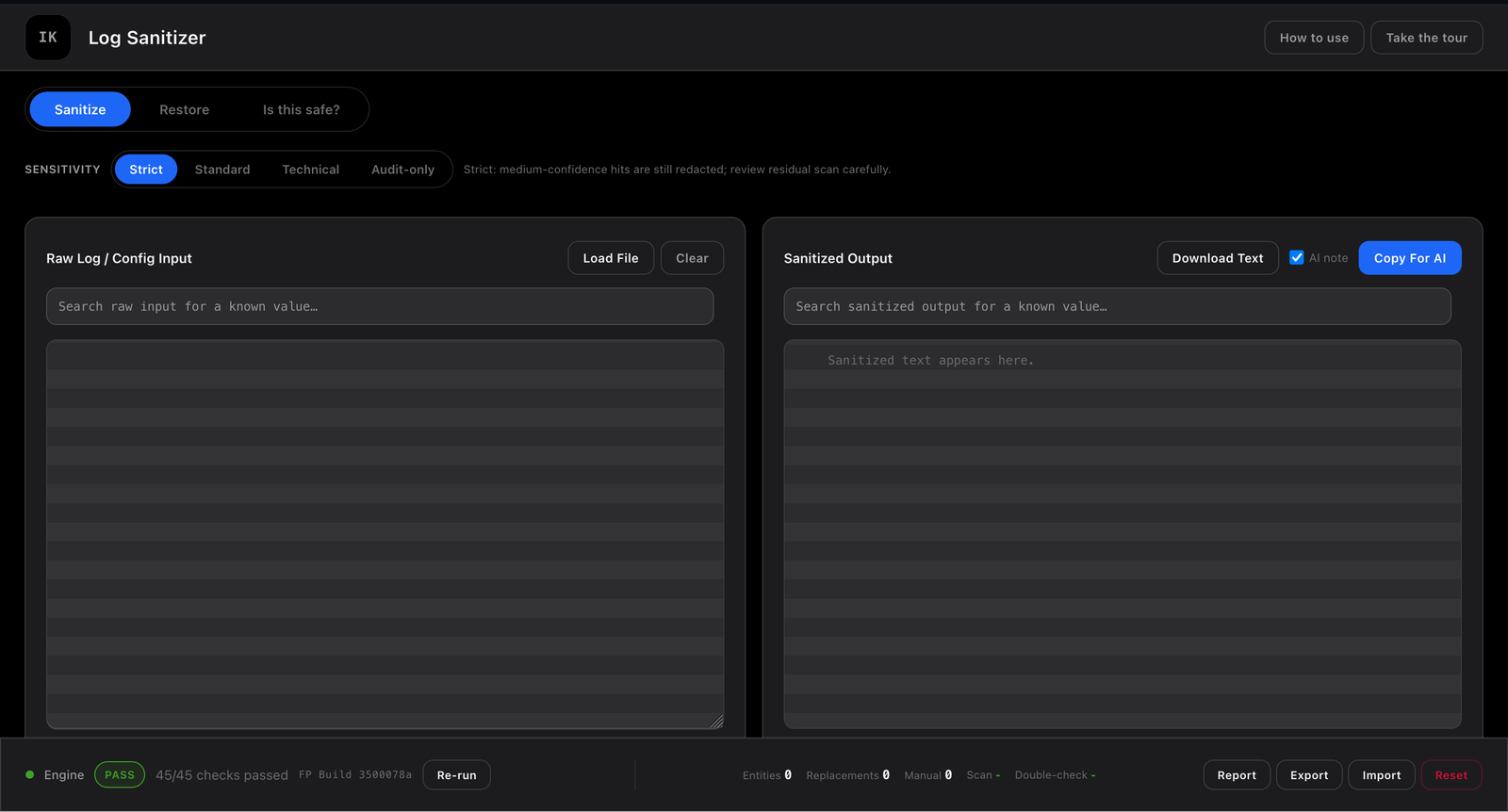
Paste a log or config into it and it starts looking for sensitive values as you type. It checks for IPs, hostnames, credentials, API keys and tokens, plus anything that matches a custom pattern you’ve added. I ran a small three-line test log through strict mode. It found a private IP, a password, and a hostname and replaced each one with a consistent placeholder. The important part is that the rest of the log still makes sense after it’s cleaned up.
A few things about how it’s built are worth mentioning:
- Nothing uploads. The page’s CSP blocks outbound network requests, so the data you’re trying to protect doesn’t get sent to a server somewhere. Settings are stored in that browser’s local storage.
- Sandboxed more heavily than the other tools. It runs inside an iframe with a restrictive sandbox:
allow-scripts,allow-modals,allow-downloads, andallow-popups. It deliberately doesn’t haveallow-same-origin. That keeps the frame holding the sensitive data isolated from the kit’s parent page. - Detection isn’t just an on/off switch. There are Strict, Standard, Technical, and Audit-only sensitivity presets. There are also profiles for Cisco, Dell OS10, VMware/ESXi, Windows/AD, and Kubernetes. You can also add your own rules for a particular session.
- Encrypted export. Anything you download or copy out can be encrypted with AES-GCM or OpenSSL-compatible encryption instead of being written back out as plain text.
It works on a phone too. On a smaller screen, the tool switcher turns into a horizontal scrolling strip instead of taking up most of the screen. So if I need to quickly clean up a log from my phone, I can.
Open the Log Sanitizer · Download the latest HTML file · Source on GitHub