
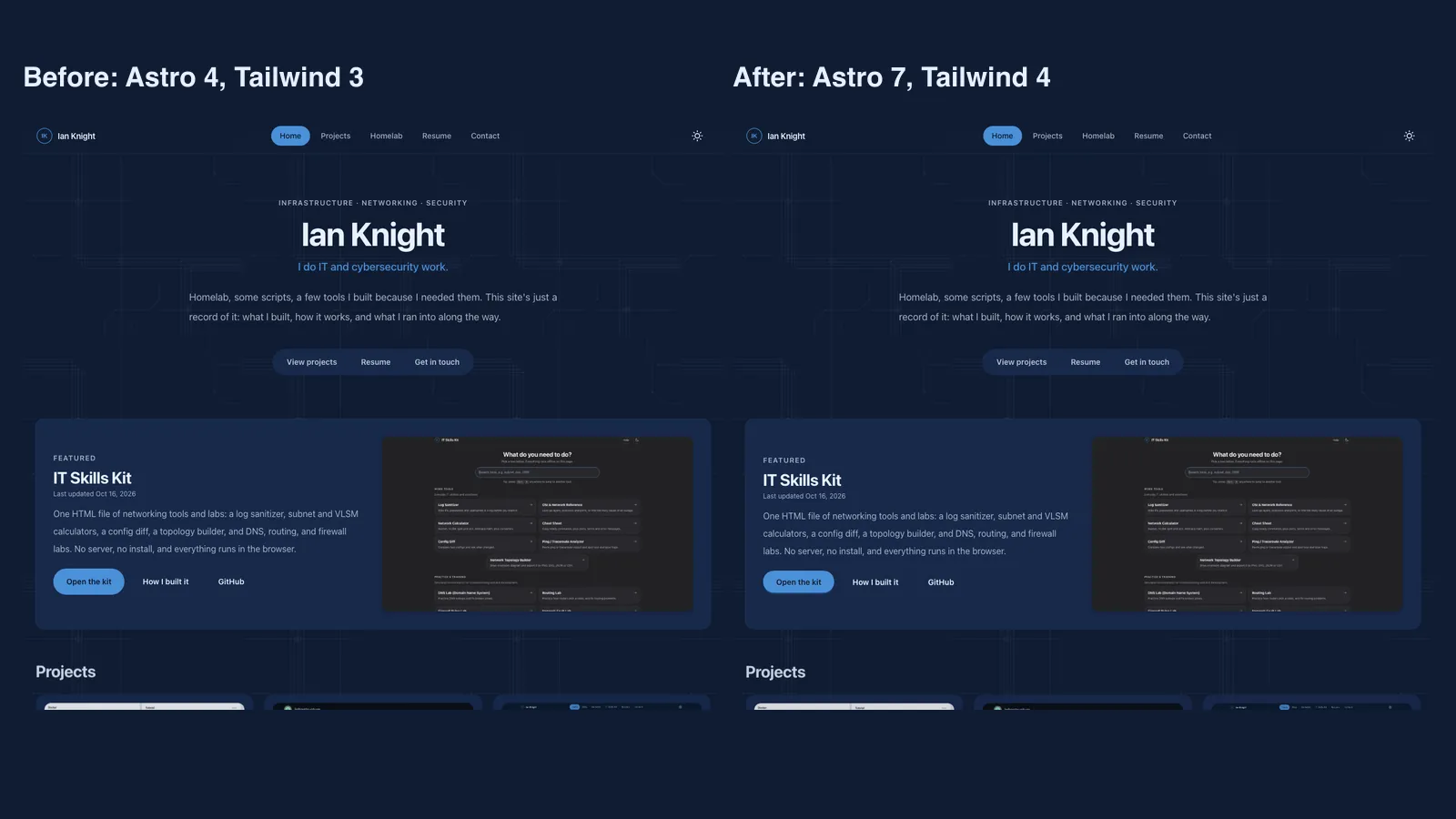
Upgrading to Astro 7 without changing how it looks
Three parts of this site were old: Astro 4, Tailwind 3, and daisyUI 4. The dependency audit listed 22 known vulnerabilities, one critical and eleven high. Most of them were in Astro features a static site doesn’t use, so visitors weren’t at risk. I still wanted the audit clean, and I wanted the upgrade to be invisible.
The rule: it has to look the same
I built the old and new versions, loaded nine pages from each in a headless browser in light and dark mode, and compared the screenshots pixel by pixel and side by side. I also ran a script against both builds that clicked the theme toggle, opened the mobile menu, and checked that the scroll animations ran.
What changed
Astro went from 4 to 7, Tailwind from 3 to 4, and daisyUI from 4 to 5. Tailwind’s own upgrade tool renamed the classes in my templates, things like shadow-sm becoming shadow-xs. I did the rest by hand.
What broke
Four problems, and a green build showed none of them.
- The contact form moved. daisyUI 5 removed classes my form used (
form-control,label-text,input-bordered). The form still worked, but the labels sat in the wrong place and the page came out about 100 pixels shorter. I only saw it in the side-by-side. I fixed it with plain Tailwind classes. - A box appeared around the theme toggle. In dark mode the toggle sets
aria-pressed="true", and daisyUI 5 draws any pressed button as active. A small override fixed it. - The security policy would have blocked scripts. The new Astro put small scripts directly into each page. My Content Security Policy only allows scripts from files, so the theme toggle and page transitions would have stopped working without any warning once it went live. I found it by counting inline scripts per page: zero or one in the old build, four or five in the new one. One build setting,
assetsInlineLimit: 0, put them back into files. - Print and Save as PDF stayed dark. My print stylesheet overrode daisyUI 4’s color variables, which don’t exist in daisyUI 5. Printing in dark mode would have printed dark. I only noticed because I made a PDF of my resume the same day. I rewrote the print colors with the new names.
Two smaller snags. Tailwind’s Vite plugin pulled in its own older copy of Vite and the build died with createIdResolver is not a function until I pinned a single version. Astro 7 also needs Node 22.22 or newer, so I pinned Node for the host’s build.
The result
npm audit went from 22 findings to 0. The pages match the old ones to within a pixel or two, apart from the fixes above, and the Cloudflare deploy succeeded.
What I’d do again
- Build both versions and compare the output. A build that passes only tells you it compiled.
- Test the things that run in the browser: toggles, menus, animations.
- Count things that shouldn’t change, like inline scripts per page and page height. A changed number is easier to spot than a changed pixel.